
Introduction
MyLinks is a free and open-source bookmark manager. It organizes links into collections, makes them searchable, and lets you share the ones you want to share.
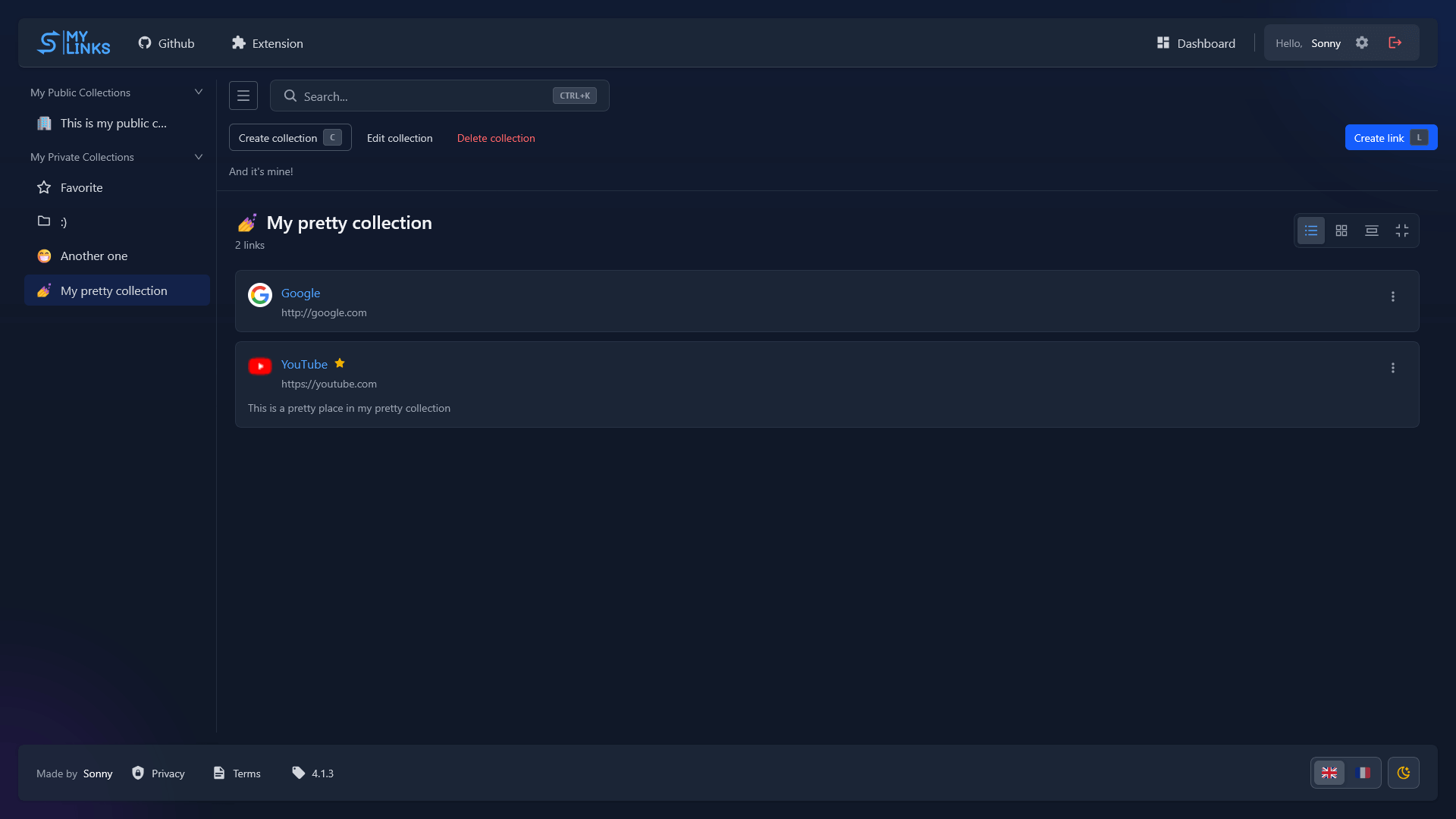
Two ways to use it
The hosted instance. mylinks.app is the public instance, run for you. Create an account and start saving links, with nothing to install or configure.
Self-hosted. Run your own instance with Docker in a few minutes. You own the data, and you can turn registration off once your account exists. See Self-hosting to get started.
Both talk to the same REST API and the same browser extension: a self-hosted instance is not a lesser deployment, it is the same application pointed at your own database.
Main features
- Collections: group links by project or topic. A link can live in several collections at once, and one saved without a collection lands in your Inbox.
- Search: find a link or collection by name or URL instead of hunting through folders.
- Sharing: a collection can be public or private, per collection.
- Browser extension: save and search links from a side panel in Chromium and Firefox, with optional two-way syncing to your native bookmarks.
- Click ranking: opening a link counts as a click, so your most-used links surface first.
- Privacy-focused and open-source: no tracking, and every request an instance makes to a third party is documented.
Where to go next
- New to MyLinks? Start with Using MyLinks.
- Want the extension? See Browser extension.
- Running your own instance? Start with Docker & compose.
- Building against the API? See the API reference.